

You have a meeting with a designer in the diary, and then comes the question: what do you already have ready? You can find lists online. They tell you what belongs in the package, but rarely what happens when something is missing. That is the useful part, because it tells you what is worth spending your Saturday on.
The short list
This is what we need for the first two stages of a project: direction and scope, then structure and content. We do not ask for more than this at the outset.
A description of what you make and who it is for, in your own words
Any copy you already have, even if it is unfinished
Images in the highest quality you have, with one line per photo explaining what it shows
Access to your domain and hosting or platform, or the details of whoever currently manages them
The address of your current site, even if you would rather not show it
One person on your side who makes the decisions
What absolutely must not change: a company name, certification mark or required notice
What goes wrong when something is missing
Design means making choices based on what will appear on the page. When that is missing, we still make the same choice, only on an assumption. Below, you can see the choice involved for each item and when you notice the assumption was wrong.
What is missing | What we do instead | What you notice later |
|---|---|---|
The copy | Fill a design with placeholder copy of roughly the right length | If the real copy is twice as long, the heading no longer fits, lists run far below the screen, and the layout has to be redone |
Images | Reserve space in a ratio we choose | Your photos turn out to be portrait while the design assumes landscape, so everything is cropped around the wrong part |
Who the reader is | Assume a reader and build the order around them | The page neatly answers the question of someone other than your customer |
Who makes decisions | Wait, or continue based on the last thing we heard | Feedback arrives in fragments and conflicts with itself, and the next stage starts later |
Domain and hosting | Build on a private test address | On launch day, it turns out the domain is held by an old provider and this has to be resolved first |
What must not change | Work from what seems logical | A name, certification mark or required notice is missing and has to be added back manually later |
Copy is not a form-filling exercise for later
We only design once the copy is there, or once it is clear what will be there. This is not a matter of principle but of practice: filling a template with copy supplied later creates friction. Headings do not fit, lists become too long, and images get the wrong ratio.
Half-finished is enough to begin with. A page with five rough sentences is more useful than an empty page with a promise that the copy will follow. Above all, provide the part that comes from your expertise: how you work, what you do not take on, and what someone can expect from you. Google asks the same question in its guidance on helpful content: does the content demonstrably come from first-hand experience?
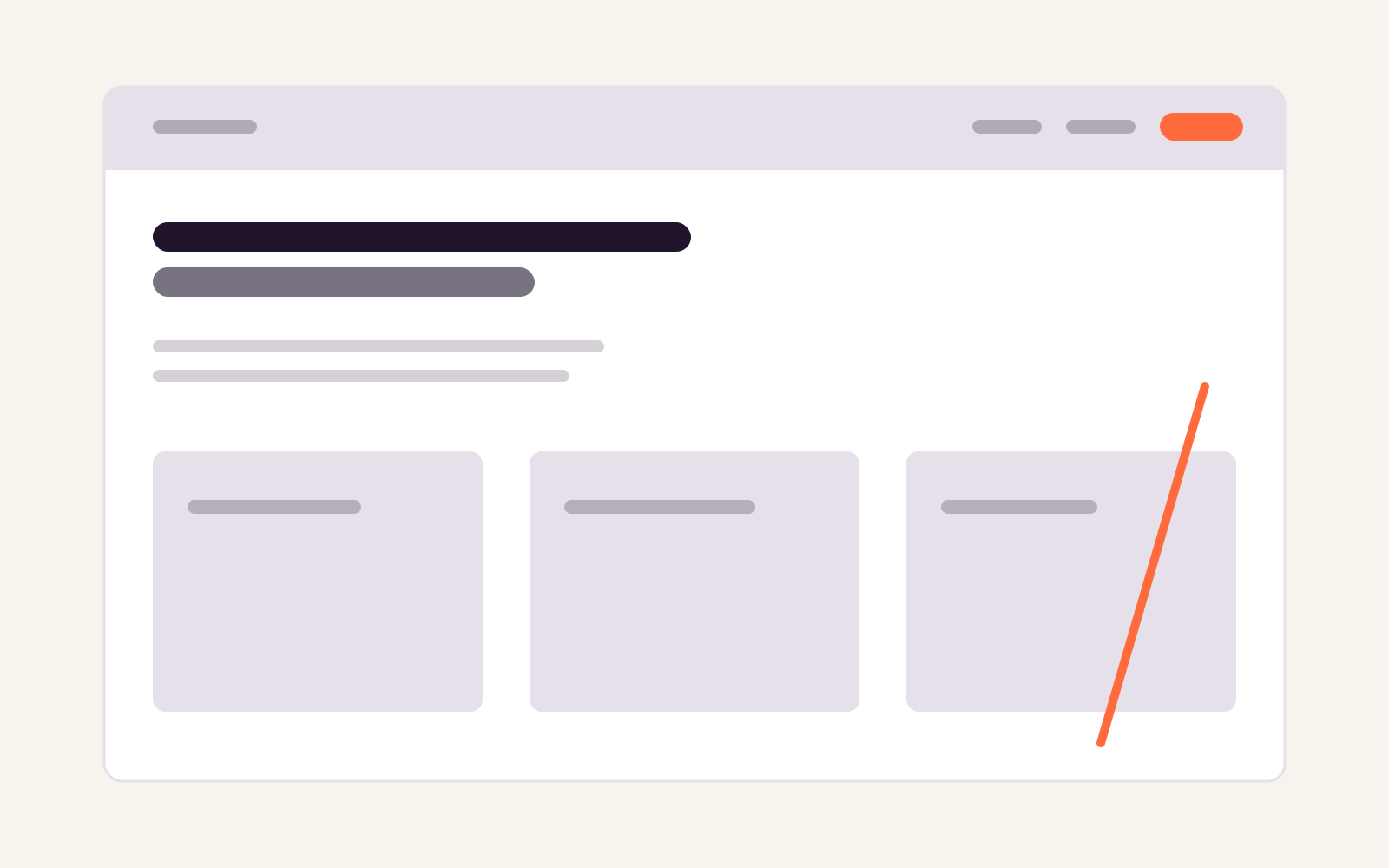
What you provide fills these blocks. If it is not ready yet, we choose the size of the block and the real copy will not fit later.
Provide large images, and say what they show
Send the originals, not the version that has already passed through a chat app. You can always reduce an image later, but not enlarge it. Add one line per photo explaining what can be seen and why you sent it.
That line is more than administration. Every image on the site receives a text alternative, and the W3C decision tree makes that choice depend on what the image does: if it carries information, it gets a short description in the alt attribute; if it is only decorative, that attribute remains empty. For a photo of your workshop, we cannot make that judgement for you.
The filename matters too. Google describes a short, descriptive filename as a light signal of an image’s subject. A name such as DSC_0481.jpg gives no such signal, and in a year’s time you will not know which photo it was either.
Access should be in your name, from the start
Your domain and hosting should be in your name, not an agency’s. At handover, you receive the files and accounts, and we go through what you can change yourself. That only works when it is clear at the start where those details are held. If someone else manages the domain, it is not a disaster; it takes time, and you would rather spend that time at the beginning than on the day the site needs to go live.
Read more about what we do when you commission a website, and where the boundary lies, under website design.
What to do if you have nothing yet
Having nothing ready is a normal starting point, and an initial conversation does not require a brief. What helps is half an hour with a blank sheet of paper: write down what you make, who it is for, and the question you hear most often on the phone. That last question is almost always the subject of a page.
If you want to request proposals, turn it into a half-page brief: what your site needs to say, what a visitor needs to find, and which step you want to make easier.
Check this before sending everything
For every piece of copy, it is clear whether it is final or still needs another round
Every filename makes clear which photo it is
You know which provider holds your domain and who can log in there
One person makes decisions on your behalf, and that person knows it
You have written down what must absolutely not disappear from the current site